
Modern Micro-Credentials Management
Issue micro-credentials and other digital credentials in the European EDC format, each with a qualified electronic seal. For universities, training companies and event organisers: from the template, through issuing, to verification without an account.
about 70,000 credentials issued in 2026 by institutions using Credentium
-
 24 EU languages Issuer panel, wallet and credential content in every official language of the European Union
- EDC format Credentials in EDC format (ELM 3.3.1), checked against the official EU rules before sealing What does this mean?
- Qualified eIDAS seal (EuroCert) With a qualified timestamp — authenticity can be checked without Credentium too What does this mean?
-
 Europass Holders download the file from their wallet and add it to Europass What does this mean?
Who uses micro-credentials?
-
Universities and schools
Universities and schools can enrich their educational offerings with additional programmes and issue market-attractive micro-credentials for their students, leveraging their reputation in the education sector.
Learn more -
Training organisations
Companies offering professional training can stand out from the competition by issuing attractive digital certificates that verify acquired skills and enhance professional profiles, e.g. on LinkedIn.
Learn more -
Students and employees
Individuals build a credible profile of skills and competencies, increasing their value in the job market.
-
Event companies
Conference, trade show and industry event organisers can offer attendees digital micro-credentials certifying participation in workshops, presentations and training sessions, adding value to their events.
Learn more
Templates from the wizard or an AI draft
A template describes what the credential confirms. The wizard takes you through a few questions and shows the template structure in the ELM model as it takes shape.

-
Wizard
One sentence describing what the credential confirms is enough to start. You can also start from a copy of an existing template or from a JSON-LD file.
-
AI-assisted draft
Paste the address of a course page or upload a syllabus (PDF, Word, text), and AI fills in the wizard. Suggestions are marked “from AI” and go into the template only when you tick them. The model runs in the EU.
-
Course Atlas
Authorised training companies start from a ready-made Microsoft course programme. The issuer is always their own organisation.
Credentium Designer: how the credential’s PDF looks
In the browser you design how the credential’s PDF looks, and then you choose that design in the template.

-
An editor in the browser
Text, images and SVG graphics, shapes, a background and a library of ready-made ornaments. Data fields, such as the name, the date and the QR code, are filled in separately for each person at issuing.
-
Formats and checks
Formats A4, A3, A5, US Letter, 11″ × 14″, portrait and landscape; start from a blank page, a ready-made layout or your own PDF file. Before publishing, the “Problems” panel checks the layout in every language of the design. The preview produces a real PDF file.
-
Design with AI
Designer prepares a prompt for the AI tool you already use (such as ChatGPT or Claude) and loads the finished design. Credentium runs no AI of its own here.
Issuing and tracking
You issue credentials in 3 steps: template, recipients, review. Then the panel shows you what happens to each of them.

-
Recipients from a list or a file
Paste a list of addresses or import a CSV or XLSX file of up to 5,000 rows. The columns are matched to the credential’s fields, and the data is checked before issuing.
-
From your systems
Issue the same credentials through the REST API, the Moodle plugin and the USOS connector, with the same format check, seal and delivery.
-
Tracking and statistics
Delivery by e-mail and to the wallet, claiming, views and shares on LinkedIn, Facebook and X, and a “Requires attention” tab that collects failed deliveries.
EDC format, seal and verification
Every credential is created as JSON-LD in the EDC format and as a PDF. Before it reaches the recipient, Credentium checks the format and seals both files with a qualified electronic seal.
-
Format check
ELM 3.3.1 and EDC profile 1.3.0, checked against the European Commission’s official rules before sealing. A credential that fails is stopped, and the panel shows what to correct.
-
Qualified eIDAS seal (EuroCert)
With a qualified timestamp: the PDF as PAdES-BASELINE-LTA, the JSON-LD as JAdES-BASELINE-LTA. By default the seal of CloudTeam, the operator of Credentium; an institution’s own seal is a paid add-on.
-
Status and revocation register
The QR code on the PDF of credentials issued since October 2026 leads to the status page. The holder’s wallet is told about a revocation at once, the status page shows it within a minute, and the sealed revocation register after its next refresh (the system checks the registers every 5 minutes).
-
The validate.credentium.com validator
Checks the seal in PDF and JSON-LD files against the EU trusted lists, with no account, in 26 languages. The seal can also be checked in the European Commission’s DSS validator and in Adobe Acrobat.
The holder’s wallet
The recipient gets an e-mail, creates an account from the link and has the credential in the wallet: in the browser, in 25 languages, and in the phone app.


-
Private until the holder decides
The holder turns on the public link. Search engine indexing needs their consent, and the date of birth is hidden by default.
-
Sharing
A link to the credential page, or a post on LinkedIn, X or Facebook. “Add to LinkedIn Profile” appears when the institution has entered its LinkedIn organisation ID.
-
Files and Europass
The holder downloads the sealed PDF and the JSON-LD file, and adds the JSON-LD file to their Europass profile themselves, following the instructions in the wallet.
The Credentium Wallet app
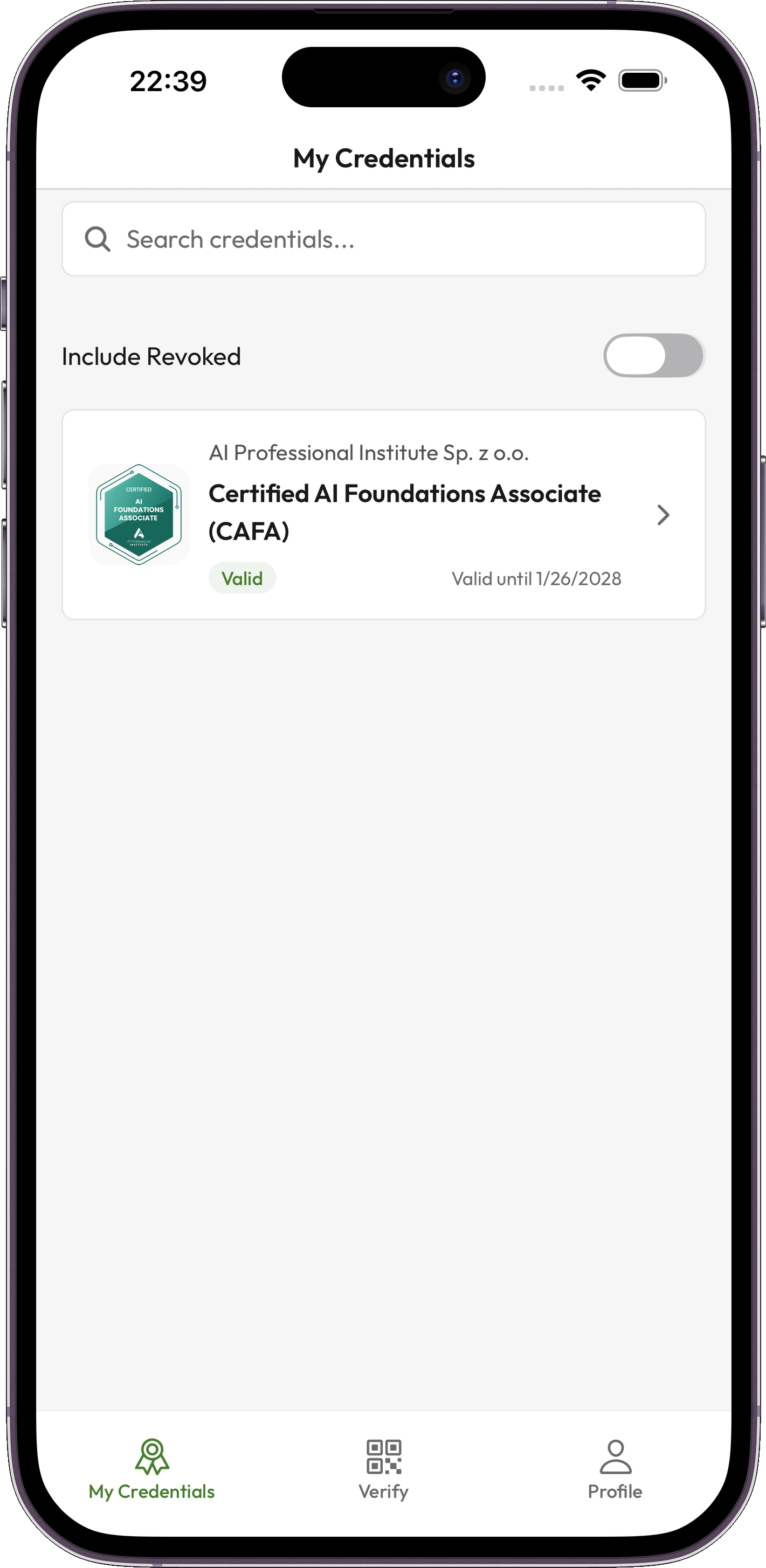
Your credentials always with you, on iOS and Android: the app works offline too, has a biometric lock and a QR code scanner for verifying credentials. The interface is available in 24 languages.
Everything an institution needs
-
Integrations
REST API 1.0 with an OpenAPI 3.1 description, the Moodle plugin 3.2.1 and the USOS connector 1.1.0. The connector runs in production at Małopolska Uczelnia Państwowa w Oświęcimiu (Oświęcim, Poland).
Standards and integrations -
Organisation and roles
Administrator, Manager and Operator roles, sign-in through the institution’s SSO, the four-eyes principle for issuing and revoking, and isolated units with one view of the whole institution.
Organisation -
Security and continuity
Production data and backups in 4 EU countries, an audit log kept for 12 months, an SLA of 99.00% in the Standard package or 99.50% in Premium, and a full data export with an exit plan.
Security and compliance -
Plans
The Event plan covers 30 days and suits conferences, small training sessions and one-off programme editions. The Professional plan covers 12 months and serves institutions that issue credentials regularly throughout the year. CloudTeam’s qualified seal is included in every plan at no extra cost.
Pricing
Planning to implement a micro-credentials system at your university or company and not sure where to start?
In response to growing market needs, we offer comprehensive micro-credentials implementation services. Our approach covers the full range of activities, from auditing through creating credible micro-credentials to deploying modern technology solutions.